back to overview
  More blogs
 Open your browser console and type navigator.userAgent. That string, the one that says you are “Chrome 137 on Windows,” is just text your browser hands out. You can change it with an extension in about two clicks, and anti-detect browsers rewrite it on every request. So to a tracker, your User-Agent is a claim, not a fact.
The thing is, there is a fact sitting right next to that claim. Every version of Chromium ships with a specific set of web features built into the engine. You can rename the label on the box, but you cannot easily change what is actually inside it.
The widget on this page does exactly that. It ignores your User-Agent completely and works out your real Chromium version from the features your browser actually supports.
How feature detection figures out your version
Every few weeks Google ships a new Chromium release, and each one switches on a handful of new web features. A CSS property here, a JavaScript API there. All of it is documented publicly on Chrome Platform Status.
That gives us a timeline to work with, and we can simply walk up it until your browser stops keeping up:
 Chromium 144adds
Temporal APIyour browser has this- Chromium 145adds
text-justifyyour browser has this - Chromium 146adds
Iterator.concat()your browser has this - Chromium 147 you are hereadds
contrast-color()your browser has this - Chromium 148adds
revert-ruleyour browser is missing this
The clever part is that none of this can be faked by editing a string. Either 'variants' in Intl.Locale.prototype is true in your engine or it is not. To fake the features themselves, you would have to ship an entirely different browser build.
Why any of this matters
On its own, knowing you are on Chromium 137 is not a big deal. So is most of the internet. What actually matters is whether your story holds together.
A normal, untouched browser is consistent with itself: a Chrome 137 User-Agent sits on top of a Chromium 137 feature set, because they both came from the same build. But the moment something spoofs only the User-Agent, say a privacy extension, a cheap proxy, or a misconfigured automation tool, the two stop matching up. Try flipping the switch below:

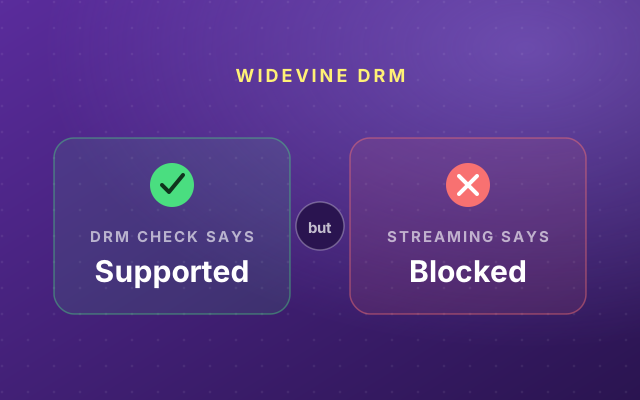
That contradiction is louder than the version number ever was. Spoofing one signal while leaving the engine untouched can actually make you easier to single out, not harder. We get into more of this in how browsers compare on fingerprinting and the Widevine DRM oddity.
What to actually do about it
- Keep your browser up to date. An old engine is a fingerprint of its own, and a security risk on top of that. The widget will tell you if your real version is falling behind.
- Do not half-spoof. Flipping your User-Agent while leaving the engine alone is worse than doing nothing, because it manufactures the exact mismatch trackers hunt for.
- Align the whole stack. If you genuinely need to run multiple identities, for ad verification, market research, or managing a lot of accounts, the goal is a browser where the User-Agent, the engine features, and every other signal tell one consistent story.
That last one is really hard to pull off by hand, which is the entire reason anti-detect browsers exist. Incogniton builds each profile on a real, consistent Chromium base, so the engine your features expose actually matches the identity you are presenting instead of arguing with it.